Word to PDF Converter Online – Create Professional PDF Files | New PDF Tool
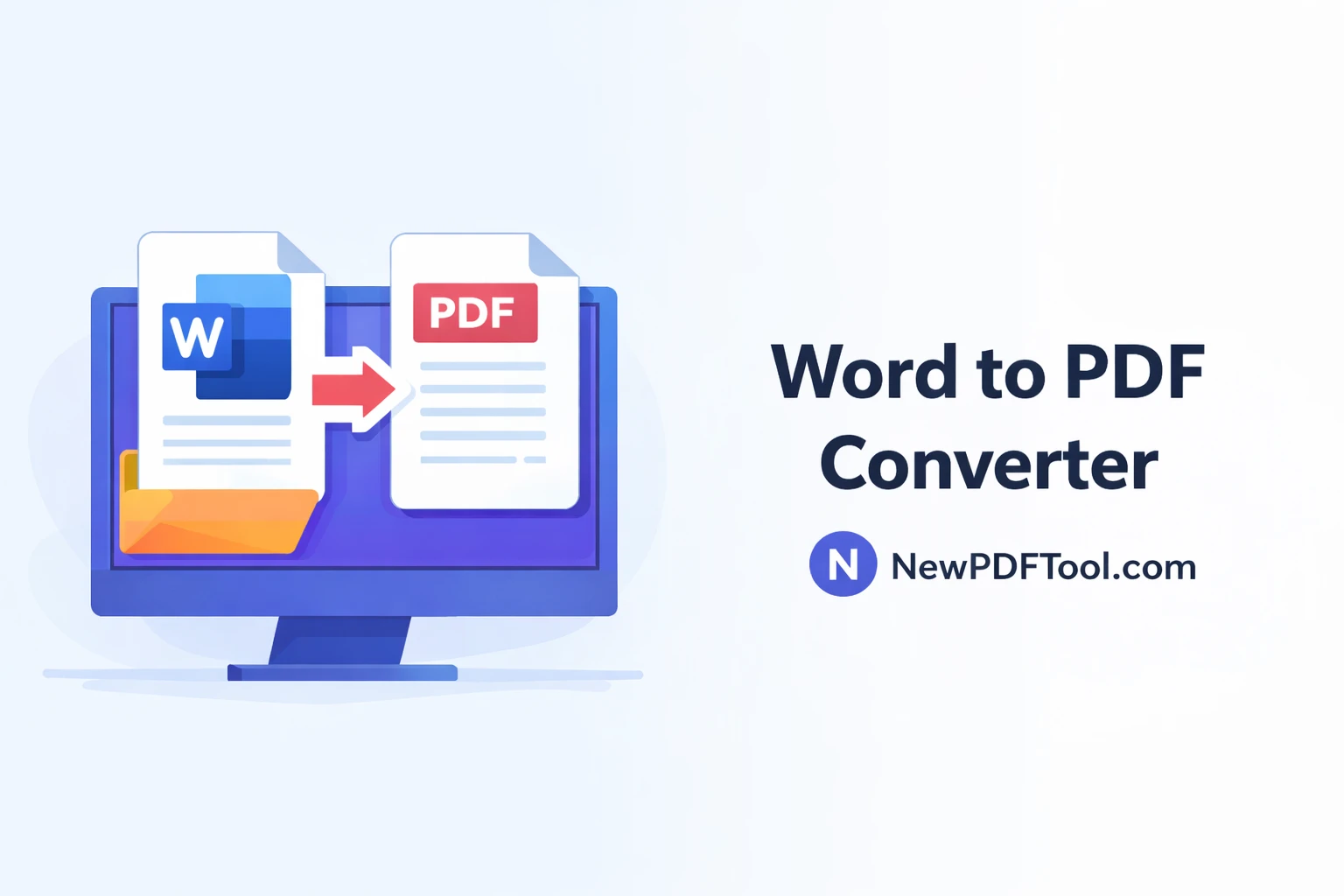
Word to PDF Converter Online – Create Professional PDF Files Easily
Microsoft Word documents are widely used for writing, editing, and sharing content. However, when it comes to sharing final documents, PDFs are often preferred. A Word to PDF converter helps you turn editable Word files into secure, professional-looking PDF documents.
With New PDF Tool, you can convert Word to PDF online for free. Our tool works directly in your browser, requires no registration, and ensures high-quality output every time.
What Is a Word to PDF Converter?
A Word to PDF converter is an online tool that transforms Word documents (DOC or DOCX) into PDF format. PDF files preserve layout, fonts, and formatting, making them ideal for sharing and printing.
Instead of worrying about compatibility issues, converting Word files to PDF ensures your document looks the same on all devices.
Why Convert Word Documents to PDF?
There are several reasons why people convert Word files into PDF format:
- PDF files maintain consistent formatting
- PDFs are more secure and harder to edit
- Better compatibility across devices
- Professional appearance for business documents
- Ideal for sharing and printing
Why Choose New PDF Tool for Word to PDF Conversion?
New PDF Tool focuses on simplicity, speed, and reliability. Our Word to PDF converter is designed for users who want quick results without technical complexity.
1. Free Word to PDF Converter
Our Word to PDF tool is completely free. You can convert unlimited files without paying any fees.
2. No Software Installation
Everything runs inside your browser. You don’t need to download or install any software.
3. High-Quality PDF Output
The converted PDF retains the original layout, fonts, images, and formatting of your Word document.
4. Secure File Processing
Your privacy is important to us. Files are processed securely, and uploaded documents are not permanently stored on our servers.
How to Convert Word to PDF Online
Converting a Word document into a PDF with New PDF Tool is easy:
- Visit NewPDFTool.com
- Select the “Word to PDF Converter” tool
- Upload your DOC or DOCX file
- Wait a few seconds for conversion
- Download your PDF file
Who Can Use Word to PDF Converter?
A Word to PDF converter is useful for many users:
- Students submitting assignments
- Teachers sharing study materials
- Office professionals creating reports
- Freelancers delivering client documents
- Business owners preparing official files
Supported Formats
New PDF Tool supports the following input formats:
- DOC to PDF
- DOCX to PDF
Online Word to PDF vs Desktop Software
Desktop software often requires installation and licensing fees. Online tools like New PDF Tool provide a faster and more convenient alternative.
For most users, an online Word to PDF converter is more than enough to meet everyday document needs.
Frequently Asked Questions
Is Word to PDF conversion free?
Yes, New PDF Tool offers free Word to PDF conversion.
Will formatting be preserved?
Yes, the PDF keeps the original layout and formatting.
Do I need to install software?
No, everything works online.
Final Thoughts
If you want to create professional, secure documents, a reliable Word to PDF converter is essential. New PDF Tool makes the conversion process fast, simple, and free.
Try the Word to PDF converter today and turn your Word documents into high-quality PDFs with ease.
More to read
View all
Feb 04, 2026
Convert PDF to Word Format – Free & Secure Online PDF to DOCX Converter
Convert PDF to Word format online for free using New PDF Tool. Quickly turn PDF documents into editable Word files without installing any software.
Read more
Jan 27, 2026
PDF to Excel Converter Online
Convert PDF tables into editable Excel spreadsheets with New PDF Tool. Use our free PDF to Excel converter online for fast, accurate, and secure results.
Read more
Jan 27, 2026
Image to PDF Converter Online
Convert images like JPG and PNG into PDF files using New PDF Tool. Our free Image to PDF converter works online, fast, and without signup.
Read more