PDF to Excel Converter Online – Extract Tables from PDF Easily | New PDF Tool
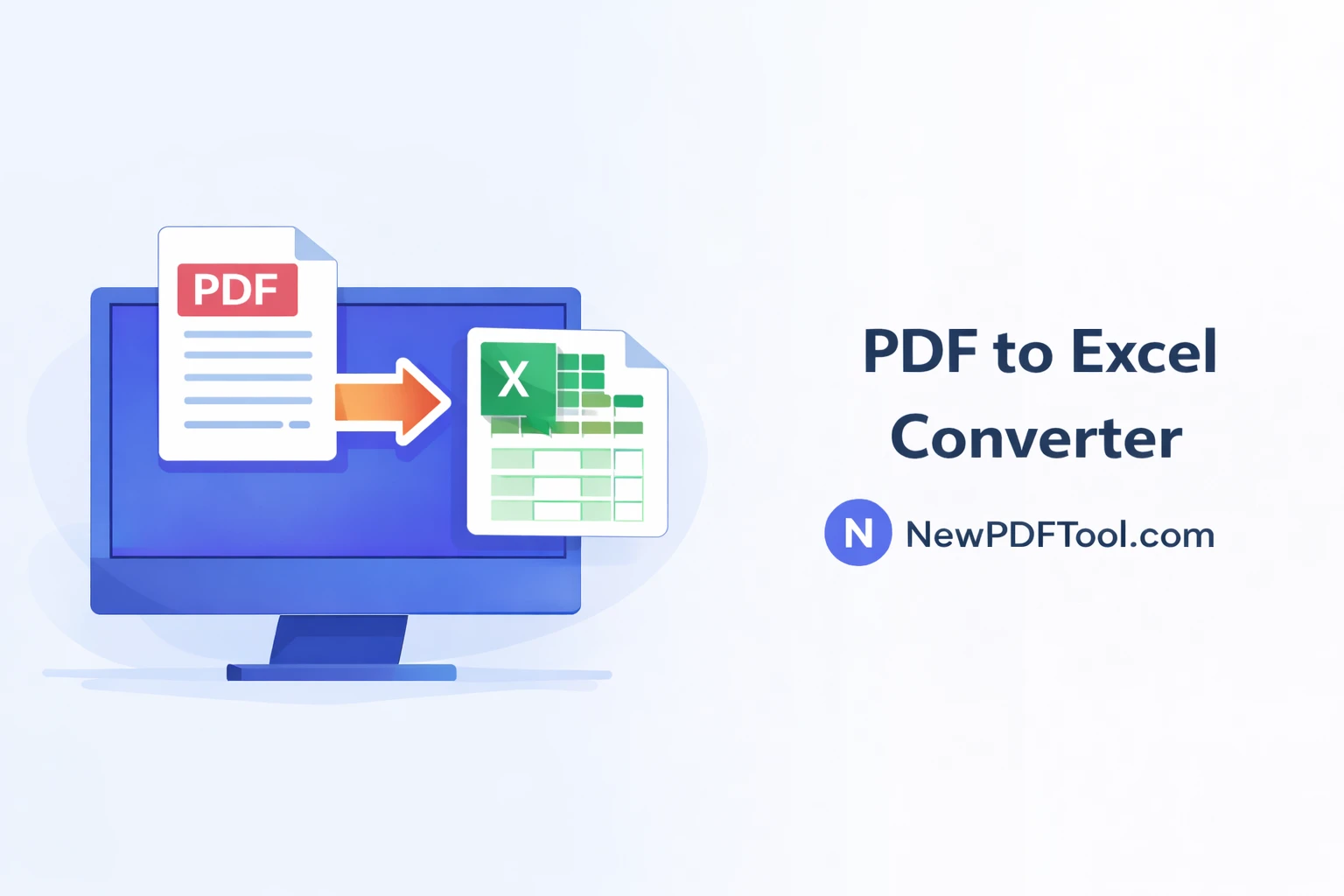
PDF to Excel Converter Online – Extract Tables from PDF Easily
PDF files are perfect for sharing documents, but they are not ideal when you need to edit numbers, calculations, or tables. With New PDF Tool, you can easily convert PDF to Excel online and extract data into editable spreadsheets within seconds.
Our free PDF to Excel converter helps you turn PDF tables into Excel formats such as XLS or XLSX without installing software or creating an account. Everything works securely inside your browser.
Why Convert PDF to Excel?
PDF documents often contain financial data, reports, invoices, bank statements, and tables. Editing or calculating data directly inside a PDF is difficult and time-consuming.
By converting PDF to Excel, you can easily edit values, apply formulas, sort data, and analyze information more efficiently.
- Edit numerical data easily
- Apply formulas and calculations
- Extract tables accurately
- Save time on manual data entry
- Improve productivity
What Is PDF to Excel Converter?
PDF to Excel Converter by NewPDFTool.com is an online tool that extracts tables and structured data from PDF files and converts them into Excel spreadsheets.
Each table from the PDF is placed into rows and columns in Excel, making the data editable and reusable.
Key Features of New PDF Tool – PDF to Excel
- Free PDF to Excel converter
- No registration or login required
- Extract tables with high accuracy
- Supports XLS and XLSX formats
- Fast conversion speed
- Secure browser-based processing
- Works on all devices
How to Convert PDF to Excel Online
Converting PDF files into Excel spreadsheets with New PDF Tool is simple and beginner-friendly:
- Visit NewPDFTool.com
- Select the PDF to Excel tool
- Upload your PDF file
- Wait a few seconds for processing
- Download the Excel file
Your extracted Excel sheet will be ready for editing immediately.
Accuracy of Table Extraction
Our PDF to Excel converter uses smart detection to identify tables, rows, and columns.
Text alignment, numbers, and structure are preserved as much as possible, making the Excel output clean and usable.
Who Should Use PDF to Excel Converter?
- Accountants working with financial reports
- Students analyzing data
- Office professionals handling invoices
- Business owners managing records
- Researchers working with tables
Secure PDF to Excel Conversion
Your privacy is important to us. All PDF to Excel conversions happen directly in your browser.
Uploaded files are not stored on our servers. Once the conversion is complete, your data remains private.
PDF to Excel vs Manual Data Entry
Manually copying tables from PDF to Excel can lead to errors and takes a lot of time.
Using an automated PDF to Excel converter saves time and improves accuracy.
Related PDF Tools (Interlinking)
Why Choose New PDF Tool?
New PDF Tool is built for users who want fast, simple, and reliable document tools.
No watermark, no signup, and no complicated steps. Just clean results every time.
Convert PDF to Excel Now
Start using the PDF to Excel Converter Online today and extract tables from PDF files instantly. Free, secure, and easy – only on NewPDFTool.com.
More to read
View all
Feb 04, 2026
Convert PDF to Word Format – Free & Secure Online PDF to DOCX Converter
Convert PDF to Word format online for free using New PDF Tool. Quickly turn PDF documents into editable Word files without installing any software.
Read more
Jan 27, 2026
PDF to Excel Converter Online
Convert PDF tables into editable Excel spreadsheets with New PDF Tool. Use our free PDF to Excel converter online for fast, accurate, and secure results.
Read more
Jan 27, 2026
Image to PDF Converter Online
Convert images like JPG and PNG into PDF files using New PDF Tool. Our free Image to PDF converter works online, fast, and without signup.
Read more