JPG to PDF Converter Online – Convert Images to PDF Easily | New PDF Tool
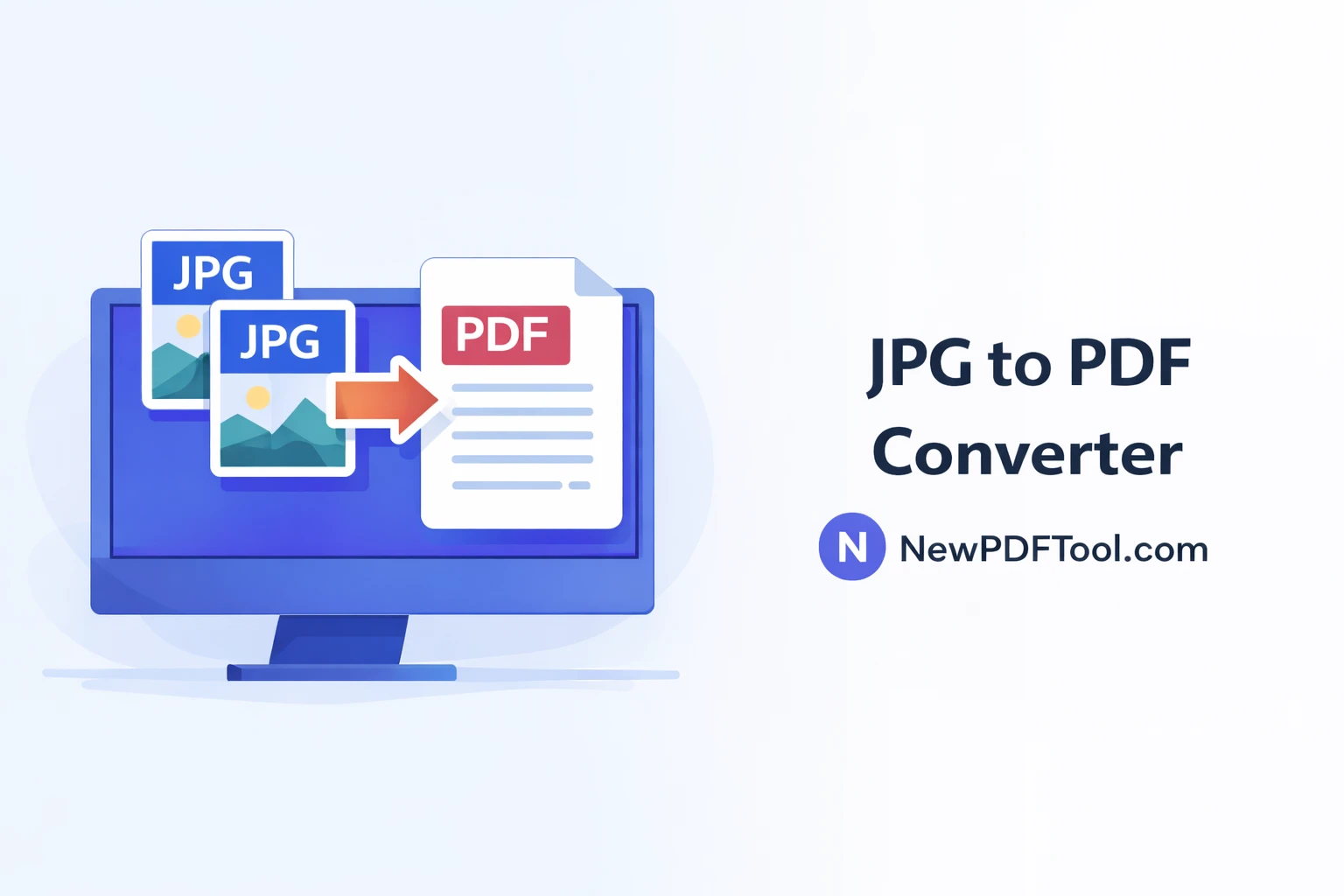
JPG to PDF Converter Online – Convert Images to PDF Easily
Images are everywhere. From mobile photos to scanned documents, most users work with JPG images daily. But when it comes to sharing, submitting, or storing documents professionally, PDF is the preferred format. With New PDF Tool, you can easily convert JPG to PDF online in just a few seconds.
Our free JPG to PDF converter allows you to turn one or multiple images into a single high-quality PDF file. No software installation, no signup, and no watermark. Everything works directly in your browser.
Why Convert JPG Images to PDF?
JPG images are great for photos, but PDFs are better for documents. PDF files keep content organized, secure, and consistent across all devices. That’s why schools, offices, and businesses prefer PDF format.
When you convert images to PDF, you get a single file that is easier to share, print, upload, and archive.
- Combine multiple images into one PDF
- Keep image order fixed
- Professional document format
- Easy to upload on websites and portals
- Better compatibility across devices
What Is JPG to PDF Converter?
JPG to PDF Converter by NewPDFTool.com is a free online tool that converts JPG, JPEG, and image files into PDF documents. Each image becomes a page inside the PDF.
The tool supports single image conversion as well as multiple image uploads, allowing you to create multi-page PDFs instantly.
Key Features of New PDF Tool – JPG to PDF
- Free image to PDF converter
- No registration or login required
- High-quality PDF output
- Multiple JPG images to one PDF
- Fast conversion speed
- Works on mobile, tablet, and desktop
- Secure and private processing
How to Convert JPG to PDF Online
Using New PDF Tool is simple and beginner-friendly. Follow these steps to convert images into PDF:
- Open NewPDFTool.com
- Select the JPG to PDF tool
- Upload one or multiple JPG images
- Arrange images in correct order
- Click convert and download your PDF
That’s it. Your PDF is ready in seconds.
Image Quality & PDF Layout
Our JPG to PDF converter preserves original image quality. Images remain sharp, clear, and readable after conversion.
Each image is placed on a separate PDF page, making it perfect for scanned documents, ID proofs, assignments, and official submissions.
Who Should Use JPG to PDF Converter?
- Students converting assignments to PDF
- Teachers preparing study material
- Office professionals submitting reports
- Freelancers sending documents to clients
- Business owners uploading documents online
Secure Image to PDF Conversion
Your privacy matters. All image to PDF processing happens directly in your browser.
We do not store your uploaded images on our servers. Once the conversion is complete, your data stays private and secure.
JPG to PDF vs Word or Image Sharing
Sharing multiple images separately can be confusing. PDF keeps everything in one organized file.
That’s why JPG to PDF conversion is widely used for official and professional work.
Why Choose New PDF Tool?
There are many online converters, but New PDF Tool focuses on simplicity, speed, and trust.
No watermark, no signup, no hidden limits. Just clean and professional PDF tools.
Convert JPG to PDF Now
Start using JPG to PDF Converter Online today and turn your images into professional PDF documents instantly. Only on NewPDFTool.com.
More to read
View all
Feb 04, 2026
Convert PDF to Word Format – Free & Secure Online PDF to DOCX Converter
Convert PDF to Word format online for free using New PDF Tool. Quickly turn PDF documents into editable Word files without installing any software.
Read more
Jan 27, 2026
PDF to Excel Converter Online
Convert PDF tables into editable Excel spreadsheets with New PDF Tool. Use our free PDF to Excel converter online for fast, accurate, and secure results.
Read more
Jan 27, 2026
Image to PDF Converter Online
Convert images like JPG and PNG into PDF files using New PDF Tool. Our free Image to PDF converter works online, fast, and without signup.
Read more