Compress PDF Online – Reduce PDF File Size Without Losing Quality
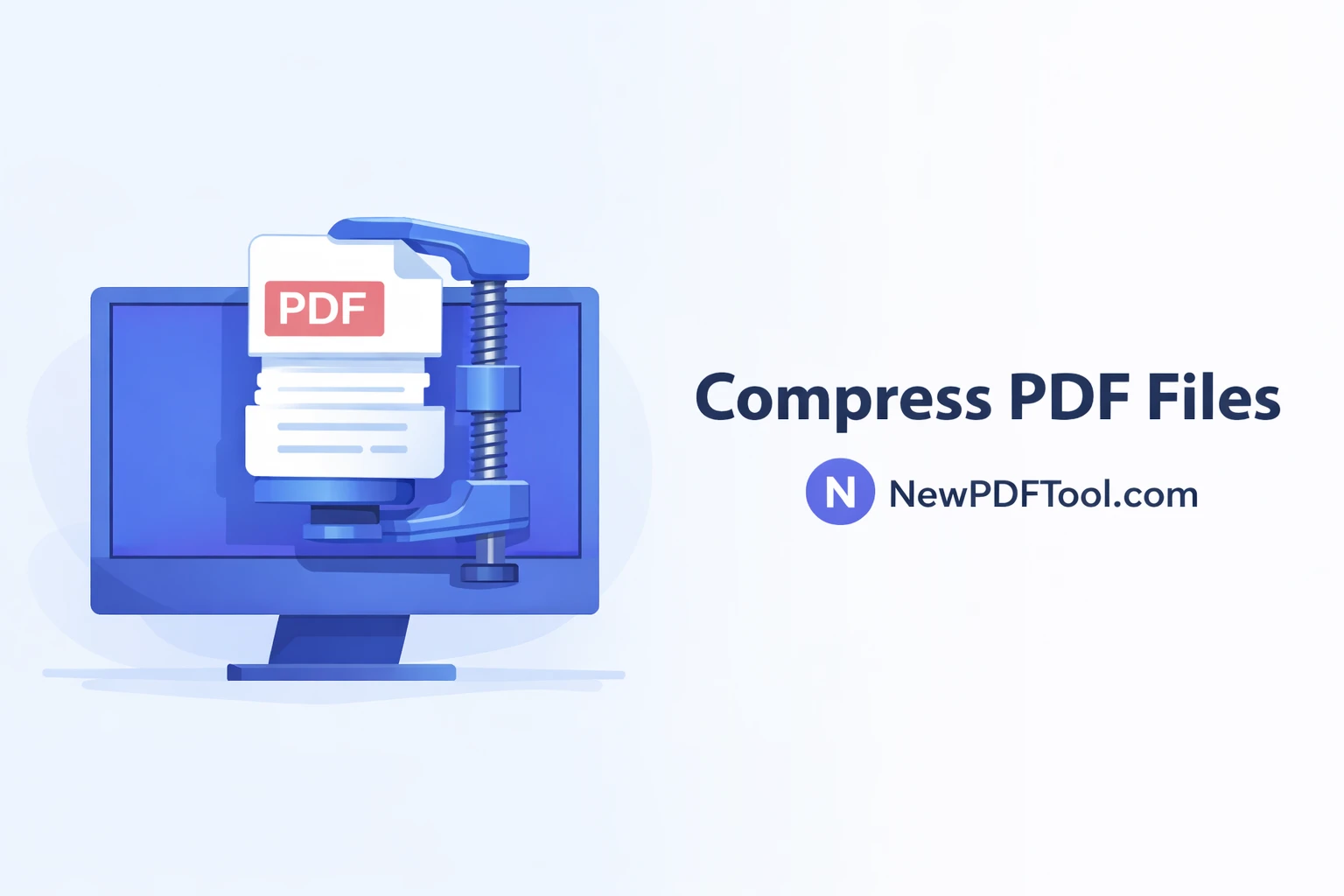
Compress PDF Online – Reduce PDF File Size Without Losing Quality
Large PDF files can be difficult to upload, share, or send by email. With New PDF Tool, you can easily compress PDF online and reduce file size without losing quality. Our free PDF compressor works directly in your browser, making PDF optimization fast, secure, and simple.
Why Do You Need to Compress PDF Files?
PDF files are commonly used for documents, reports, resumes, invoices, and presentations. Over time, these files become large due to high-resolution images, embedded fonts, and unnecessary metadata. Large PDFs create problems when uploading on websites, sending via email, or sharing on messaging apps.
By using an online PDF compressor, you can reduce file size, improve upload speed, and make sharing easier without changing the document layout.
What Is Compress PDF Online Tool?
Compress PDF Online is a free tool by NewPDFTool.com that helps users reduce PDF file size in seconds. The tool optimizes images, removes unnecessary data, and compresses content while keeping text readable and images clear.
Our PDF compression tool works on all devices including desktop, mobile, and tablets. No registration, no software installation, and no watermark added.
Key Features of New PDF Tool Compressor
- 100% free PDF compression tool
- No sign-up or login required
- Reduce PDF size without quality loss
- Fast compression in seconds
- Secure browser-based processing
- Works on Windows, Mac, Android, and iOS
How to Compress PDF Using New PDF Tool
- Open NewPDFTool.com in your browser
- Select the Compress PDF tool
- Upload your PDF file
- Wait a few seconds for compression
- Download your compressed PDF instantly
The process is simple and beginner-friendly. Even users with no technical knowledge can reduce PDF file size easily.
Does PDF Compression Reduce Quality?
Many users worry that compressing PDFs will damage quality. At New PDF Tool, we use smart compression algorithms that balance file size and visual clarity.
Text remains sharp, images stay clear, and document structure is preserved. This makes our tool ideal for resumes, official documents, and professional files.
Who Should Use Compress PDF Online?
- Students submitting assignments online
- Office professionals sending reports via email
- Freelancers sharing documents with clients
- Business owners uploading PDFs to websites
- Teachers and trainers sharing study materials
Secure PDF Compression – Your Privacy Matters
Privacy is our top priority. All PDF compression happens directly in your browser. We do not store your files on our servers.
Once you close the browser tab, your files are automatically removed. This makes NewPDFTool.com a safe and trusted choice for PDF compression.
Compress PDF for Email, WhatsApp, and Uploads
Email providers and websites often limit file size. Compressing PDFs helps you meet these limits easily.
Our PDF compressor is perfect for Gmail, Yahoo Mail, job portals, government forms, and cloud uploads like Google Drive.
Why Choose New PDF Tool?
There are many PDF compressor tools online, but New PDF Tool focuses on speed, simplicity, and user privacy.
With no ads interruption, no forced signups, and professional-quality results, our platform is designed for everyday users worldwide.
Start Compressing PDFs Now
Stop struggling with large PDF files. Use Compress PDF Online by NewPDFTool.com today and reduce file size instantly. Fast, free, secure, and easy to use.
More to read
View all
Feb 04, 2026
Convert PDF to Word Format – Free & Secure Online PDF to DOCX Converter
Convert PDF to Word format online for free using New PDF Tool. Quickly turn PDF documents into editable Word files without installing any software.
Read more
Jan 27, 2026
PDF to Excel Converter Online
Convert PDF tables into editable Excel spreadsheets with New PDF Tool. Use our free PDF to Excel converter online for fast, accurate, and secure results.
Read more
Jan 27, 2026
Image to PDF Converter Online
Convert images like JPG and PNG into PDF files using New PDF Tool. Our free Image to PDF converter works online, fast, and without signup.
Read more